
Paper to PDF,
right on your iPhone.
EwaScan finds the page, captures it when you hold still and turns it into a clean, searchable PDF. Your documents never leave your iPhone.
Coming soon to the App Store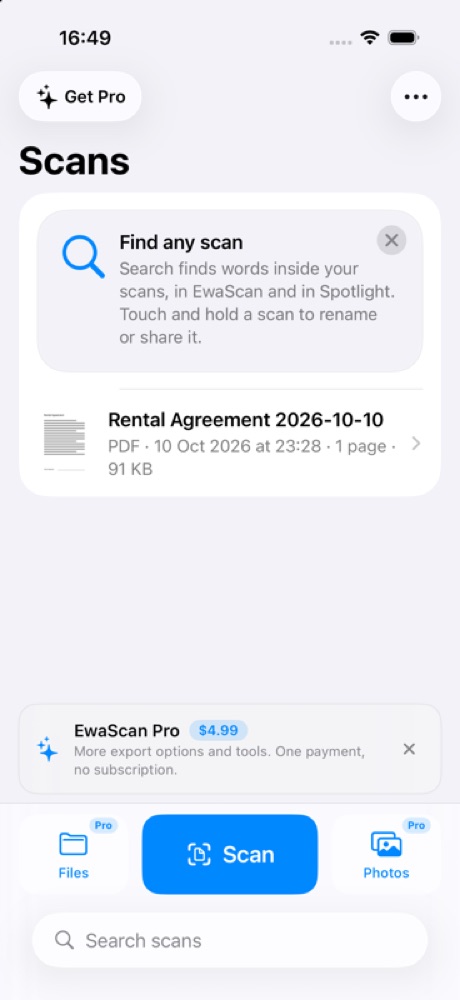
Free, for everyone
Everything you need to scan, keep and find your documents.
Automatic capture
Point at a page: EwaScan outlines it and takes the picture when you hold still. Or use the shutter.
Straight and upright
Pages are cropped, flattened and turned the right way up, even when scanned sideways.
Searchable PDFs
Text recognition makes every scan searchable, in EwaScan and in Spotlight. Copy or share the text too.
Smart names
Scans get a sensible name from their contents, like “Invoice 2026-10-03”.
Edit pages
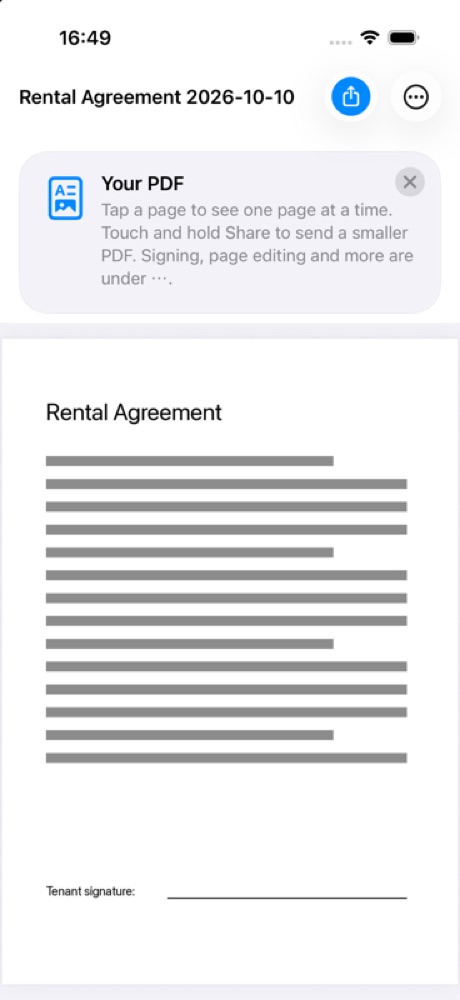
Add, reorder, rotate and delete pages. Crop and choose a filter for each one.
Smaller files
Share a lighter copy of a PDF in one tap, ready for email.
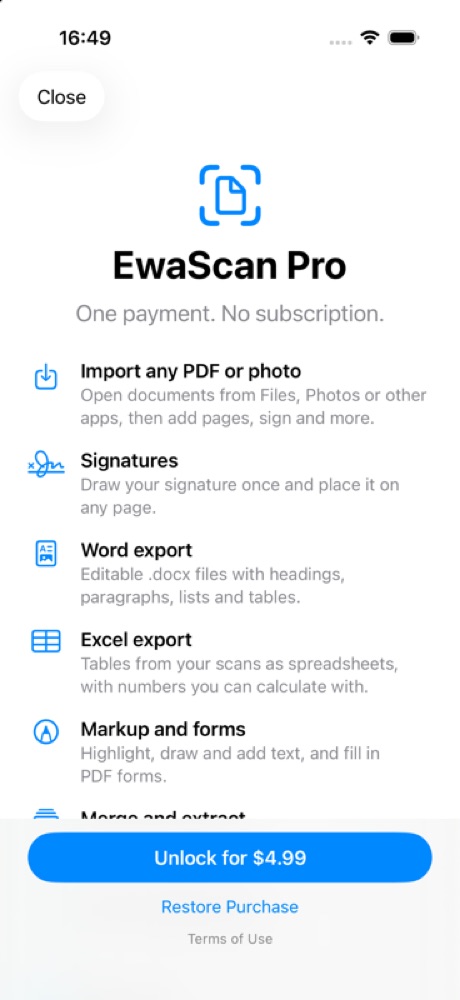
EwaScan Pro
One payment unlocks everything, forever. No subscription.
Word and Excel
Editable .docx files with headings, lists and tables, and spreadsheets from tables in your scans.
Import anything
Open PDFs and photos from Files, Photos or other apps.
Sign and fill in
Add your signature, mark up pages and fill in PDF forms.
Merge and extract
Combine several PDFs, or save selected pages as a new one.
Password and redaction
Lock PDFs with a password and black out sensitive details for good.
Translation
Translate a document’s text, right on your iPhone.
Private by design
Scanning, text recognition, naming and translation all happen on your iPhone. EwaScan has no account, no servers, no analytics and no ads. We don’t collect anything, so there is nothing to leak. Read the privacy policy.